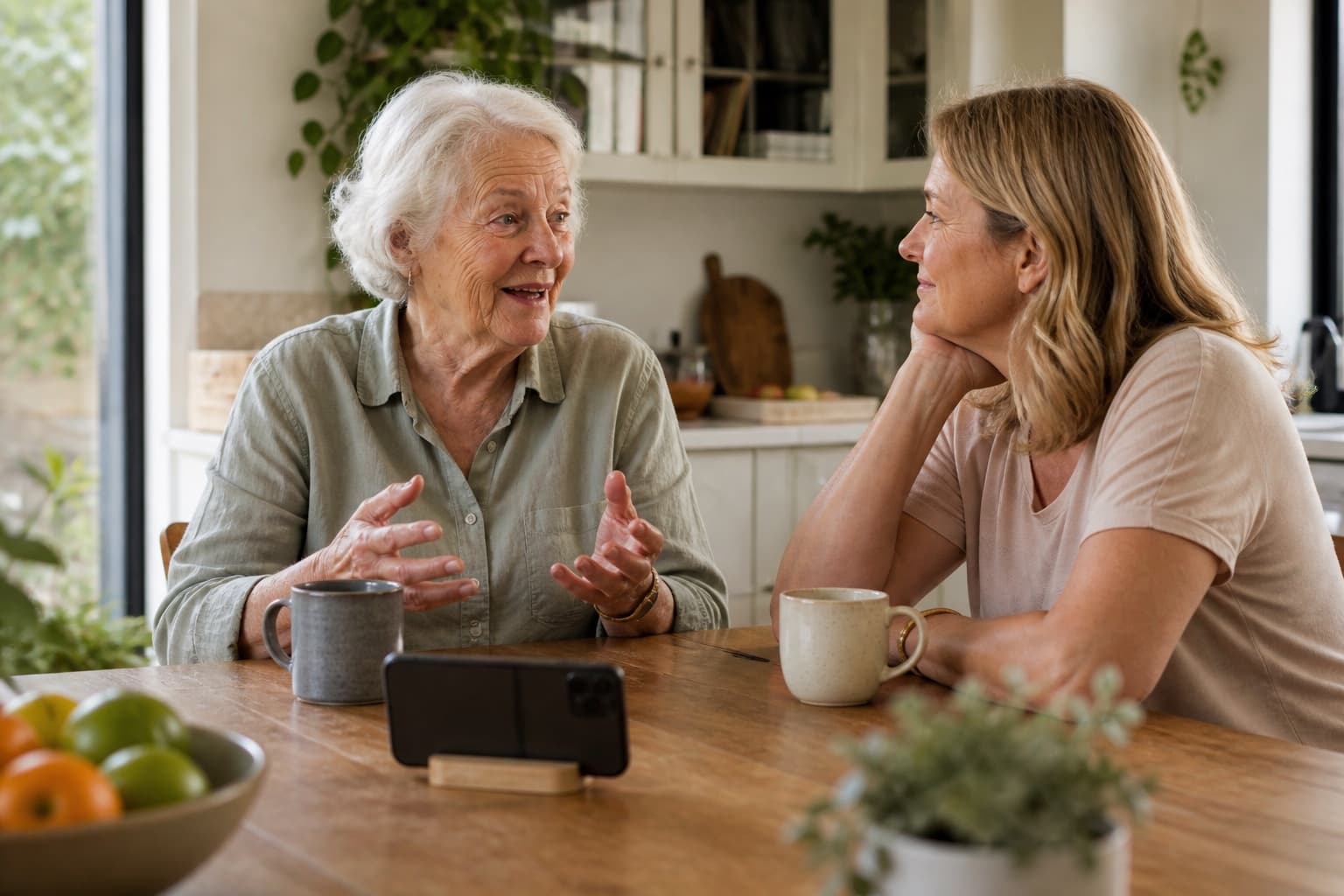
The best recorder is the one already in the house. A phone's voice-memo app is usually more than good enough: the quality of the conversation matters far more than the quality of the microphone. Put the phone on the table, press record, and ask one question.
A sit-down interview can feel awkward. You do not need one. Ten quiet minutes and one specific question is enough. If they will not sit with a recorder at all, use the separate guide to record a parent's story by phone. That page is the phone path: no app for them, speaker on while they are already home. This page is the DIY recording, with you in the room.
How do I record my mum's voice and her stories?
Start with one specific memory, get clear permission to record, and keep the first conversation to 10 to 15 minutes. Use a phone or tablet in a quiet room, listen more than you speak, then name and back up the file somewhere your family can find. The four steps below take you through it without turning the moment into a project.
Step 1: Ask in a way that is easy to say yes to
Some parents hesitate because “tell me your life story” sounds like a test, a large job or something you do only when someone is unwell. Frame it as one specific thing instead:
“Mum, I was thinking about the house you grew up in. Would you tell me about it while I record? I'd love to have your voice on it. It will only take ten minutes.”
Three things make the invitation easier:
- It is specific. A kitchen, a person or a street, not a lifetime.
- It is small. Ten minutes, not an afternoon.
- It is theirs. Say clearly that they can decline, pause, skip or stop.
If they say no, thank them and leave it there. You can offer a different topic another time, but never turn the invitation into a campaign.
Step 2: Get the setup out of the way
You need three things, none of them expensive:
- A recorder. Use the built-in recorder on your phone or tablet. Turn on Do Not Disturb, or airplane mode if you do not need connectivity, to avoid interruptions.
- A quiet room. Kitchen tables are good. Turn off the television and radio; close the window if traffic is loud.
- About an arm's length. Put the device on the table between you with its microphone unobstructed. You do not need a lapel microphone for a first recording.
Make a ten-second test clip and play it back. It confirms you can hear both voices and gives everyone a moment to settle before the real conversation begins.
Step 3: Have the conversation
This is the part people worry about, and it is mostly listening.
Ask one question at a time. Then be quiet. Silence can feel awkward for a few seconds, but what comes after the pause is often more specific than the first answer.
Ask for the senses. “What did the kitchen smell like?” and “What did your father sound like when he was cross?” invite detail. When you hear a familiar summary, gently ask: “What do you actually remember from that day?”
Ask what they thought at the time. “What did you think when she said that?” is different from “What do you make of it now?” Both can belong on the record.
Do not correct or fill every silence. You can ask once for names and dates, but the storyteller's memory matters more than making every detail fit a calendar.
Let a boundary stay a boundary. If they shorten an answer or change the subject, you can offer once: “You do not have to, but I would listen if you wanted to tell me more.” If they decline, move on and do not return to it.
Ten minutes is a very good first session. Stop while it still feels easy.
Step 4: Keep it properly
A recording that nobody can find is easily lost. When you finish:
- Name the file with the person, topic and date:
Margaret-kitchen-stories-2026-08-18.m4a. - Keep a backup. Store a copy in family cloud storage or another durable location rather than leaving the only copy on one phone.
- Tell them you listened. Mention one detail you enjoyed. That attention makes another conversation feel worthwhile.
What is an easy voice recording app for elderly people?
For most people, the easiest choice is the built-in recorder already on their phone or tablet because it avoids another account and installation. The difficult part is often not pressing record; it is finding the file afterwards. Show them those two actions, write the steps on a card, and practise once together. If they would rather talk than operate a blank recorder, a guided conversation such as Tellby's pilot can handle the flow by voice.
If you would rather Tellby hold the conversation, start a free first conversation. Read about the early family pilot if you want to talk it through first. They can pause, skip or stop during the conversation. You read the memory card and approve it before the rest of the family sees it. Starting does not enrol your parent. Consent stays in their words.
If you are still deciding what to ask, start with our 40 questions to ask your grandmother. For a milestone present, see our guide to story gifts for parents who have everything.
Frequently asked questions
What is the easiest voice recording app for an elderly person?
Start with the built-in recorder on the phone or tablet they already use. Most current devices include one without needing another account. If your parent will record alone, write down the few steps and show them where the saved recording appears. If a blank recorder still feels difficult, a guided voice conversation can remove the need to operate the recording at all.
How long should a first recording session be?
Ten to fifteen minutes. Short sessions feel manageable and leave stories still to tell; long sessions can be tiring and produce thinner answers. You can always record again another day.
What if my parent says they have nothing to tell?
That often means they do not know where to start. Do not argue. Ask one small, specific question instead, such as: ‘What is the first kitchen you remember?’ Small doors open big rooms.
Should I record video or just audio?
Audio is enough and can help people speak more freely because there is no camera to think about. If your parent prefers video, place the device somewhere unobtrusive and agree on what will happen to the recording afterwards.
Is it okay to record without telling them?
No. Ask clearly before you press record and respect the answer. Recording without a person's knowledge breaks the trust the conversation depends on and may also be unlawful where you live.
What do I do with the recording afterwards?
Listen to it soon, give the file a useful name, and keep at least one backup somewhere your family can find. Then tell your parent what you valued in the story. Their voice is a gift; your attention is the gift you return.